
Tired of Clicking "Download" 100 Times?
❌ Downloading attachments one at a time
❌ Searching through thousands of emails manually
❌ Missing important invoices and documents
❌ Spending hours on tax season prep
GMAAX Does It All Automatically
✅ Bulk download hundreds of attachments in seconds
✅ Filter by date, sender, file type, and keywords
✅ Search all folders including archived emails
✅ Automatic download logs for compliance (GDPR, HIPAA, SOX)
Features
-
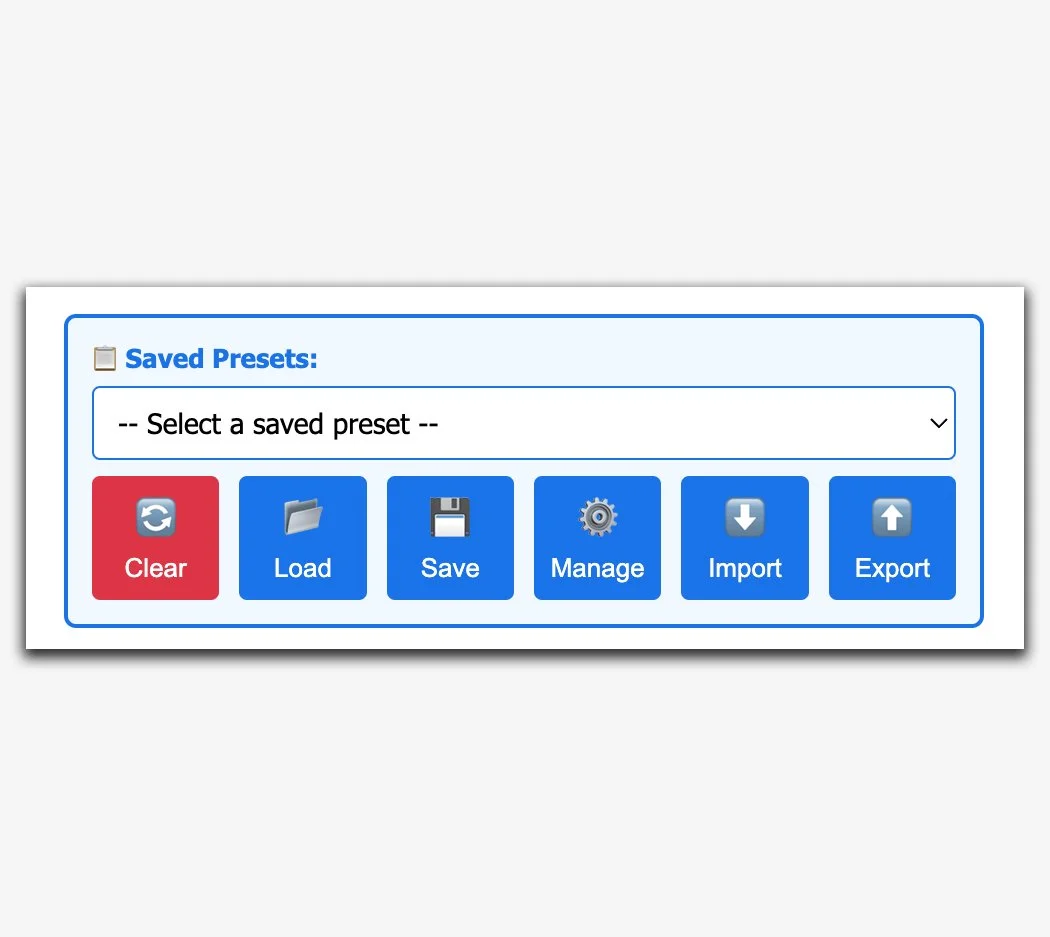
Search Presets
Create unlimited custom presets to instantly recall your most-used searches! Export/Import presets to share with teammates or backup to your library!
-
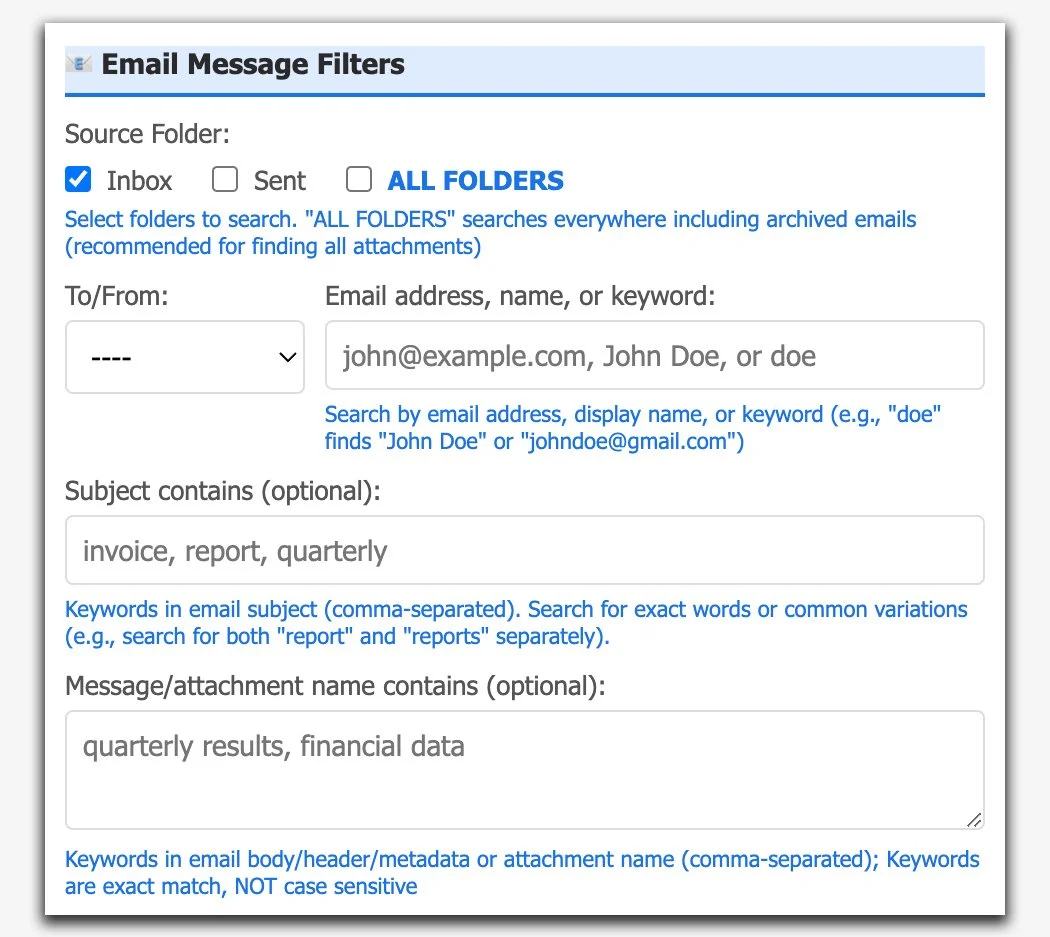
Email Message Filters
Search all of your mail folders for any attachments, even those pesky ones that aren’t in your Inbox but that show up in Gmail’s search! Filter on emails sent to someone else but where you were on the cc/bcc list.
-
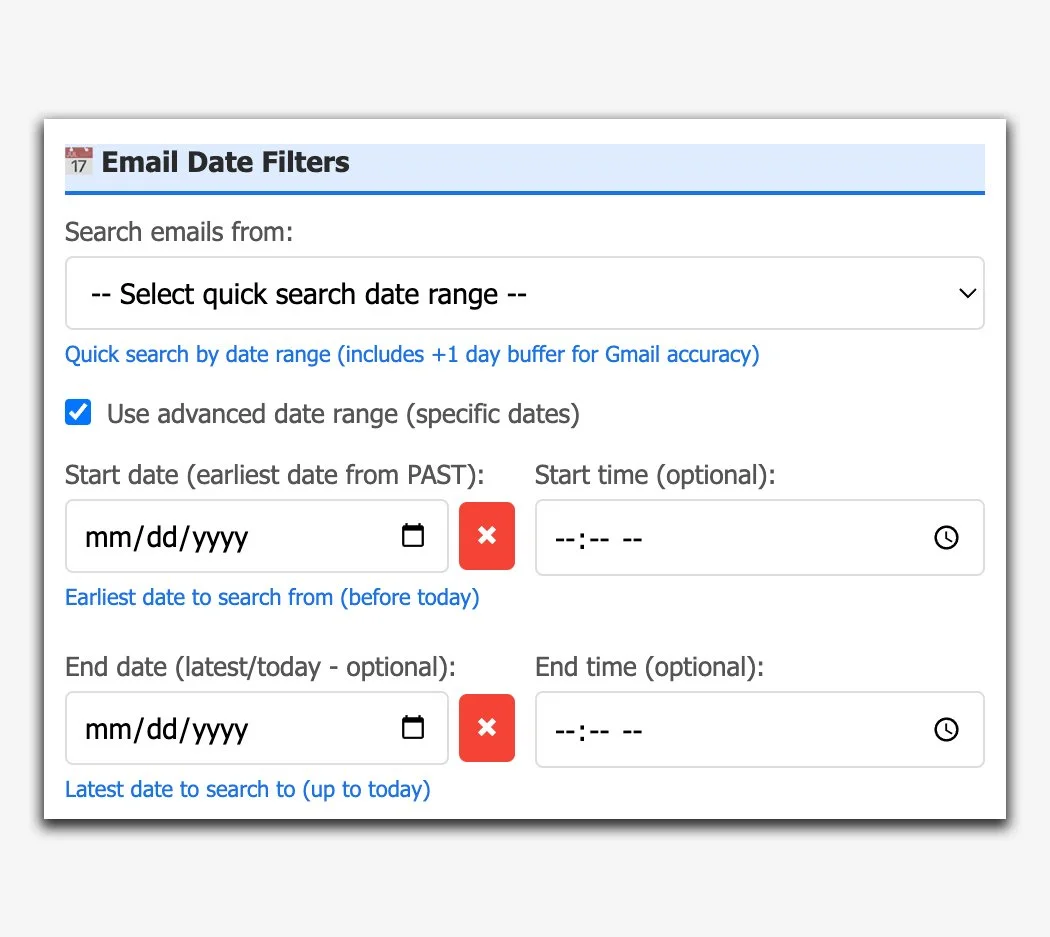
Email Date Filters
Use the quick-search date option for rapid turnaround tasks. Use the advance date range selectors for a much broader sweep!
-

File Format and Size Filters
Easily search for attachments by file type, or based on their individual size for a more targeted approach.
-
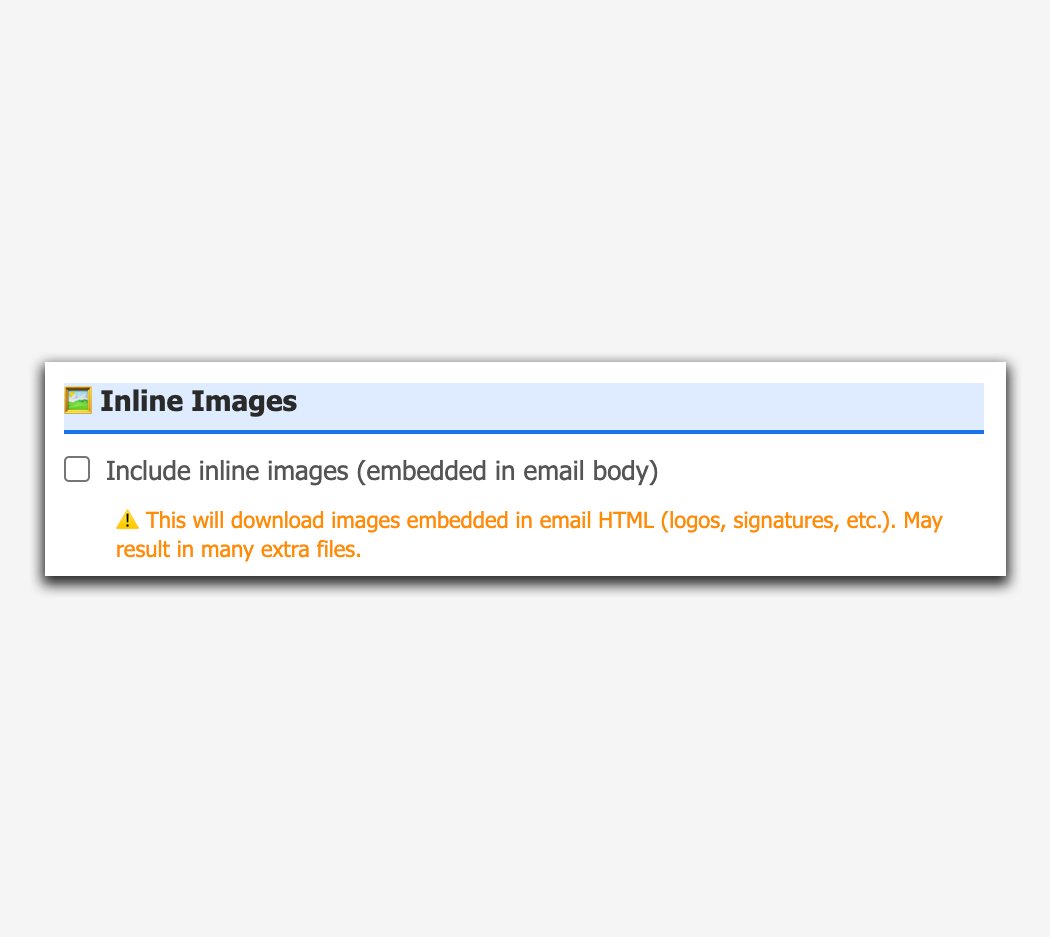
Inline Images Filter
Need to download images embedded within the email message? No problemo! GMAAX can grab inline images and deliver them right to your desktop!
-
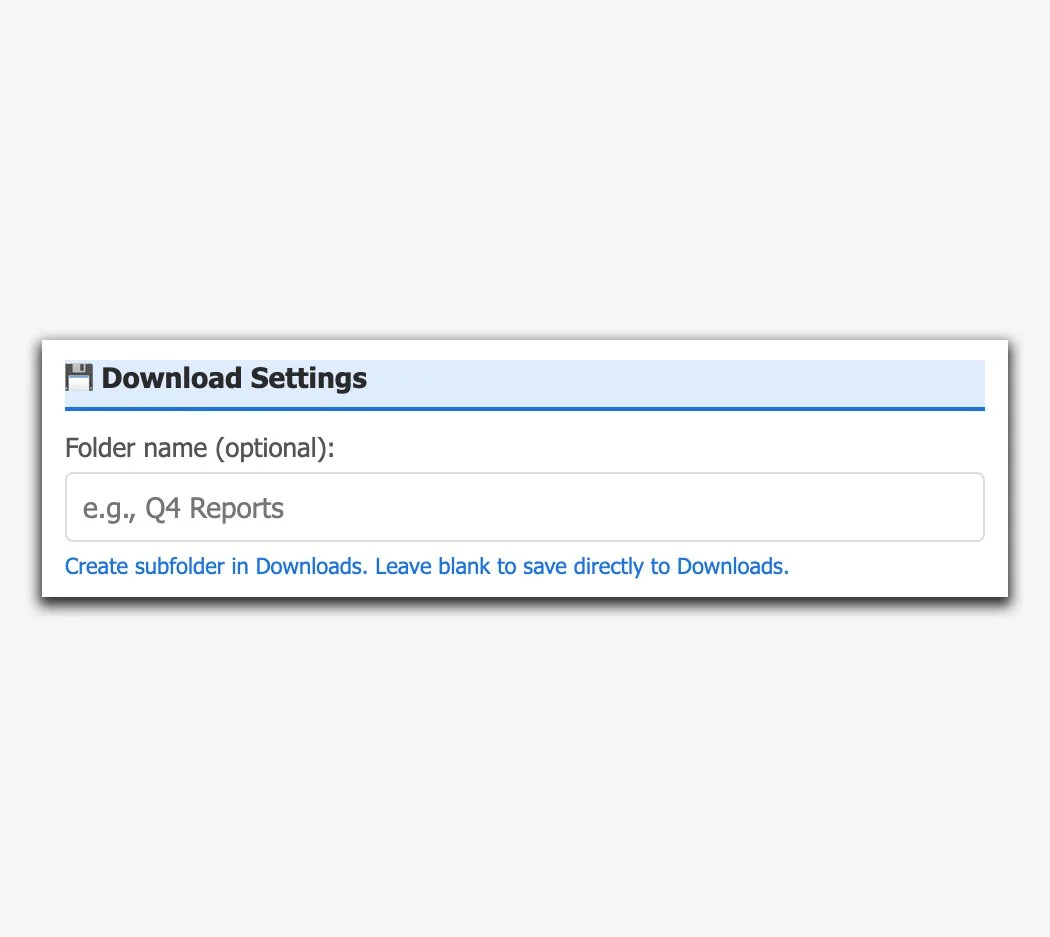
Download Settings
GMAAX allows you to create folders within your downloads to store extracted attachments. Need to create nested folders to separate downloads? Piece-o-cake! GMAAX can create nested folders to keep downloaded files tidy and organized!